
BACKUP, EXPLAINED CLEARLY
Protect the digital things you cannot replace.
Practical, independent guides for backing up your phone, computer, photos, websites and databases — then restoring them when it counts.
LATEST PRACTICAL GUIDES
New and updated
BACKUP HOW-TOS
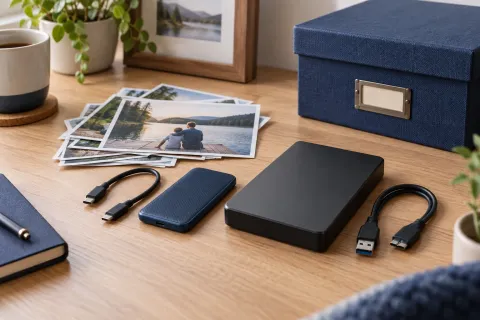
SSD vs HDD for long-term backup: what is safe to leave unplugged?
An SSD is a good backup drive when you use and check it regularly. For a large offline collection, an HDD can be a practical choice. Neither is a safe place for your only copy of family photos.
Read guide →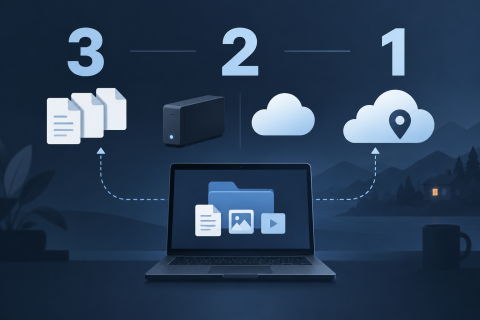
BACKUP HOW-TOS
The 3-2-1 backup rule explained
Three copies, two kinds of storage, one off-site. The 3-2-1 rule is the shortest useful backup plan — here is what it means, where it falls short and how to put it together at home.
Read guide →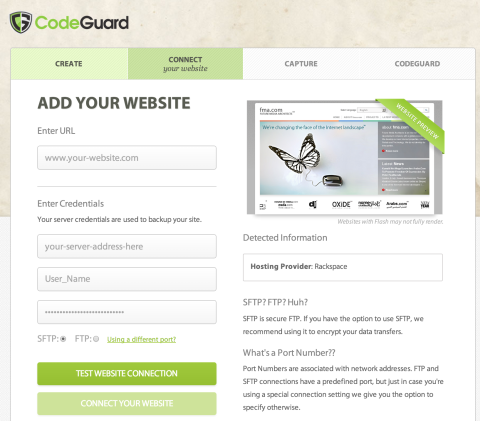
ONLINE BACKUP
How Automated Website Backups Give You Peace of Mind
Online data backup is no longer a sweet concept but a rather necessary addition to your online business. Not only is it a breakthrough that you can depend on to secure your most important files, it is also a great time saver that allows you the space to do more productive activities.
Read guide →BACKUP BASICS
The 3-2-1 rule for reliable backups
Three copies
Keep the original plus two backups, so a single failure cannot lose your data.
Two kinds of storage
Use two different media — for example an external drive and a cloud service.
One copy off-site
Keep at least one backup somewhere other than your device.
Read the full guide
How the 3-2-1 rule works — and why testing a restore still matters.